
.png)
The home office has moved from luxury to necessity for a significant portion of the workforce, which means the standards have risen. A laptop at the kitchen table is no longer adequate for people who spend forty hours a week working from home. What is needed is a dedicated workspace that supports concentration, protects posture, and separates professional activity from domestic life. The challenge is creating this space within homes that were not designed for it, often without the budget or square footage to build a separate room.
This article examines five home office configurations suited to different space constraints and work patterns, explains the essential elements that make any home office functional, and provides guidance on achieving professional results without commercial office aesthetics. The goal is a workspace that improves productivity and quality of life rather than simply occupying a corner of the living room.


Choosing the Right Office Configuration for Your Space
The first decision in home office design is not aesthetic but spatial: where will the office go, and how much separation can be achieved? This depends on available square footage, household composition, and the nature of your work. Someone who takes video calls all day needs acoustic privacy. Someone doing solo creative work needs visual separation but can tolerate ambient household noise. The configuration should match actual needs rather than aspirational ideas about what a home office should be.
Dedicated rooms are ideal but not always possible. A spare bedroom, a large closet with the door removed, or even a section of a basement or attic can work if properly fitted out. The advantage is a door that closes, which provides both acoustic privacy and psychological separation between work and home. The disadvantage is the opportunity cost — that space could serve other functions, and not all households have rooms to spare.
For those without full rooms available, partial separation through furniture placement, screens, or strategic use of alcoves can create sufficient workspace. The key is establishing a clear boundary that allows you to mentally enter and exit work mode. A desk pushed against a living room wall without any visual enclosure makes this transition difficult. A desk positioned in a bay window with a folding screen behind it provides enough separation to function effectively.


Five Home Office Configurations: Space, Privacy, and Suitability
The table below compares five office setups based on space requirements, privacy levels, and appropriate use cases. Understanding these distinctions helps match your office design to your actual work needs and available space.
Office Type | Space Required | Privacy Level | Best For |
Dedicated Room | 6-12 sq meters | Full separation, door closure | Professionals, daily use |
Alcove Office | 2-4 sq meters | Partial separation, visual boundary | Hybrid workers, occasional use |
Dual-Purpose Room | 8-15 sq meters | Shared function, convertible | Guest room/office, studio spaces |
Kitchen/Dining Nook | 1-2 sq meters | Integrated, minimal separation | Light admin, part-time work |
Bedroom Corner | 1-3 sq meters | No separation, compact setup | Budget-limited, temporary solution |


The Non-Negotiable Elements of Functional Home Offices
Desk Height and Surface Area
Standard desk height is 72 to 76 centimeters, which accommodates most people sitting in an ergonomic chair with feet flat on the floor. If you are significantly shorter or taller than average, this standard will not work, and you will need either an adjustable desk or a custom-height surface. Improper desk height causes shoulder tension, wrist strain, and lower back pain — all of which accumulate over weeks and months of daily use.
Surface area is equally important. A laptop alone can function on a small surface, but most knowledge work requires space for notebooks, reference materials, a second monitor, or simply room to spread out. A minimum desk width of 120 centimeters provides adequate working space for most people. Depths of 60 to 75 centimeters allow a monitor to sit at the proper viewing distance while leaving room for keyboard and mouse. Corner desks can maximize space efficiency in tight rooms, but often waste the corner itself, which becomes a collection point for clutter.


Chair Quality and Ergonomic Support
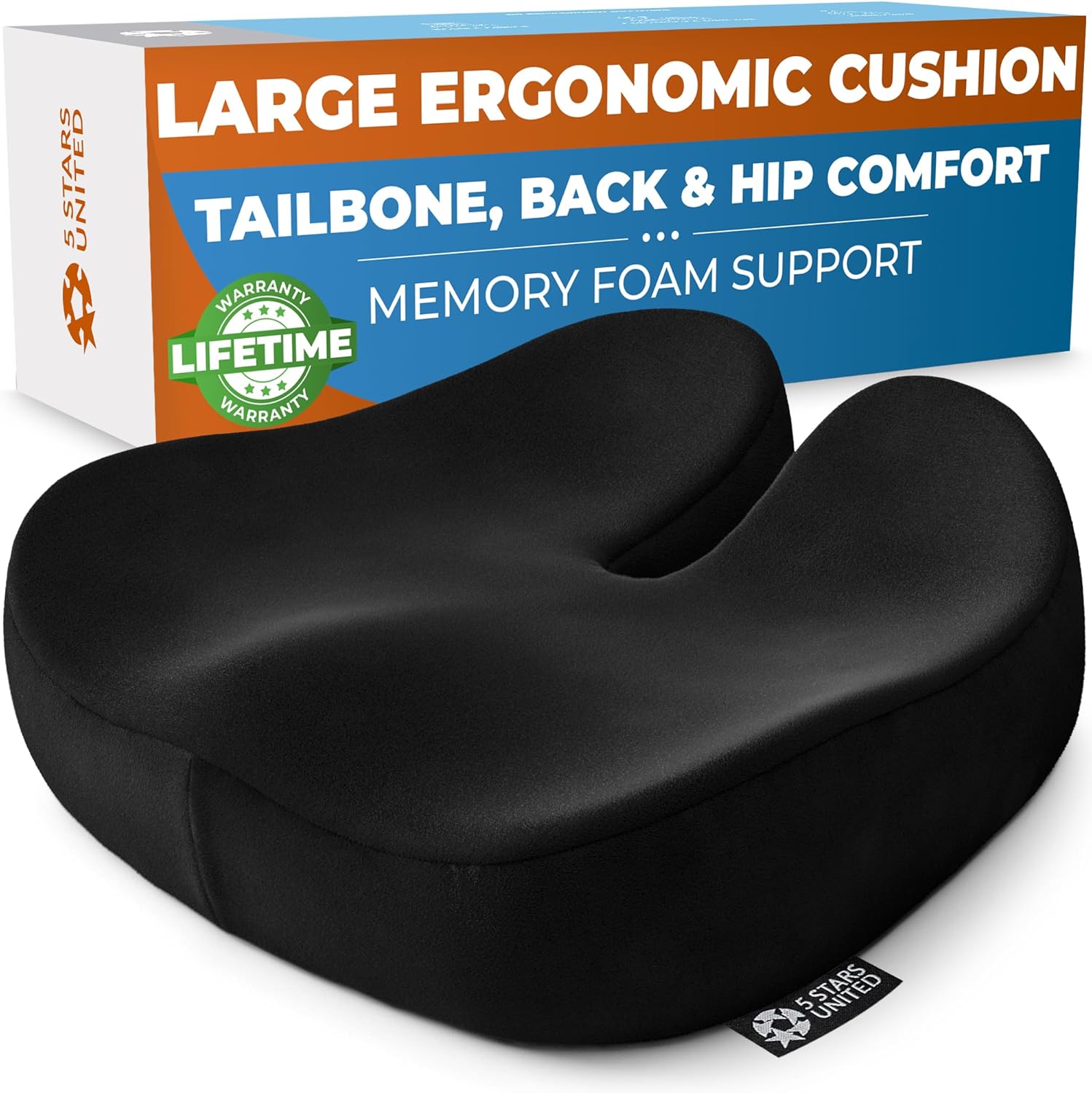
The chair matters more than the desk. A poor chair will cause discomfort and eventually injury, regardless of how beautiful the office looks. Office chairs are not all ergonomic, and ergonomic claims are not all legitimate. A proper task chair has adjustable seat height, lumbar support that can be positioned for your specific back curve, armrests that adjust in height and width, and a seat depth that allows you to sit fully back while maintaining a few centimeters of clearance behind your knees.
Buying a quality office chair is expensive but justified by daily use. Budget 300 to 600 pounds for a chair that will last five to ten years and genuinely support long working hours. Cheaper chairs can be found, but they typically fail in adjustability or build quality, which means replacing them more frequently. The cumulative cost and the cost to your body make the initial investment worthwhile.


Lighting: Task, Ambient, and Glare Management
Home offices require layered lighting. Overhead lighting alone creates shadows on the work surface and causes eye strain. A desk lamp providing direct task lighting is essential, positioned to illuminate the workspace without creating glare on screens. LED lamps with adjustable color temperature allow you to match the light quality to the time of day — cooler light for morning focus, warmer light for afternoon and evening work.
Natural light is valuable but must be managed. A desk positioned directly in front of a window causes screen glare and forces you to squint. A desk positioned perpendicular to a window allows natural light from the side, which provides illumination without glare. If the only available position faces a window, invest in adjustable blinds or sheer curtains that diffuse direct sunlight while maintaining brightness.

Storage and Cable Management
Visible clutter undermines the sense of order necessary for focused work. Storage solutions should be planned into the office from the beginning rather than added reactively when the desk becomes unusable. Filing cabinets, wall-mounted shelves, or credenzas keep papers, books, and supplies accessible but contained. The goal is a clear desk at the start of each workday, which requires sufficient storage to house everything when not in use.
Cable management is equally important and frequently neglected. Power cables, charging cords, monitor cables, and peripheral connections create visual chaos and actual hazards if left loose. Cable trays mounted under the desk, adhesive cable clips along the desk edge, and wireless peripherals, where possible, all reduce cable visibility and tangling. This is not purely aesthetic — organized cables are easier to troubleshoot when connections fail and safer in households with children or pets.


Maintaining Style Without Sacrificing Function
Material and Finish Selection
Home offices fail aesthetically when they import corporate office furniture without adjustment. Grey laminate desks, black mesh chairs, and fluorescent task lighting all function adequately but look institutional. The solution is not to abandon functional furniture but to choose versions that use residential materials — solid wood or wood veneer desks, chairs in fabric rather than all-mesh, and lighting fixtures that could work in a living room as well as an office.
Finishes should coordinate with the rest of the home rather than creating a separate office aesthetic. If your home uses warm woods and natural textiles, the office should follow that language. If your home is contemporary with metal and glass, the office furniture should reflect that. The workspace is part of the home and should feel continuous with it, even if functionally separated.

Color and Visual Restraint
Office walls benefit from neutral colors that do not compete with screen work or create visual fatigue. White, soft grey, warm beige, or pale green all work well and provide a calm backdrop for concentration. Accent colors can be introduced through accessories — a single piece of art, a plant, or colored storage boxes — but the dominant palette should remain quiet.
Avoid the temptation to over-decorate. A home office is a workspace, not a showroom. Every object in the room should either serve a function or provide genuine pleasure. Decorative items included simply to fill space become visual clutter that distracts rather than enhances. The best home offices have surprisingly few objects — each one deliberately chosen and properly placed.


Avoiding the Predictable Failures
The most common home office mistake is underestimating storage needs. People plan for their current work materials and forget that papers, files, books, and supplies accumulate. Within six months, the elegant minimal desk is buried under stacks of documents. Plan for twice as much storage as you think you need, and build it into the office from day one.
Another frequent error is positioning the desk to face a wall with no view. Eight hours a day staring at a blank wall is psychologically draining. If the layout allows, position the desk to face a window, a doorway, or, at a minimum, a wall with art or a shelf that provides visual interest. The view from your desk affects your mental state throughout the workday.
Finally, people often neglect acoustic treatment in home offices located within shared spaces. Hard surfaces — wood floors, plaster walls, glass windows — reflect sound and make video calls difficult. Adding soft furnishings like a rug, curtains, or an upholstered chair improves sound quality noticeably. For offices in truly problematic acoustic environments, wall-mounted acoustic panels designed for home use are available and effective without looking industrial.


Building a Workspace That Sustains You
A well-designed home office improves not only work output but also quality of life. The difference between working in a space that supports you and working in a space that fights you accumulates daily. Discomfort, distraction, and inadequate tools create friction that drains energy and focus. A proper desk, a good chair, adequate lighting, and sufficient separation from household activity remove that friction and allow you to work effectively.
The investment required — both financial and spatial — is real, but for people working from home regularly, it pays returns in productivity, health, and mental clarity. Start with the essentials: proper seating, adequate surface area, good lighting, and as much separation as your space allows. Refine from there based on your actual work patterns and pain points. The goal is a workspace that you can occupy comfortably for years, not a temporary solution that will need replacement when the initial novelty wears off.


